Grid Info Tool
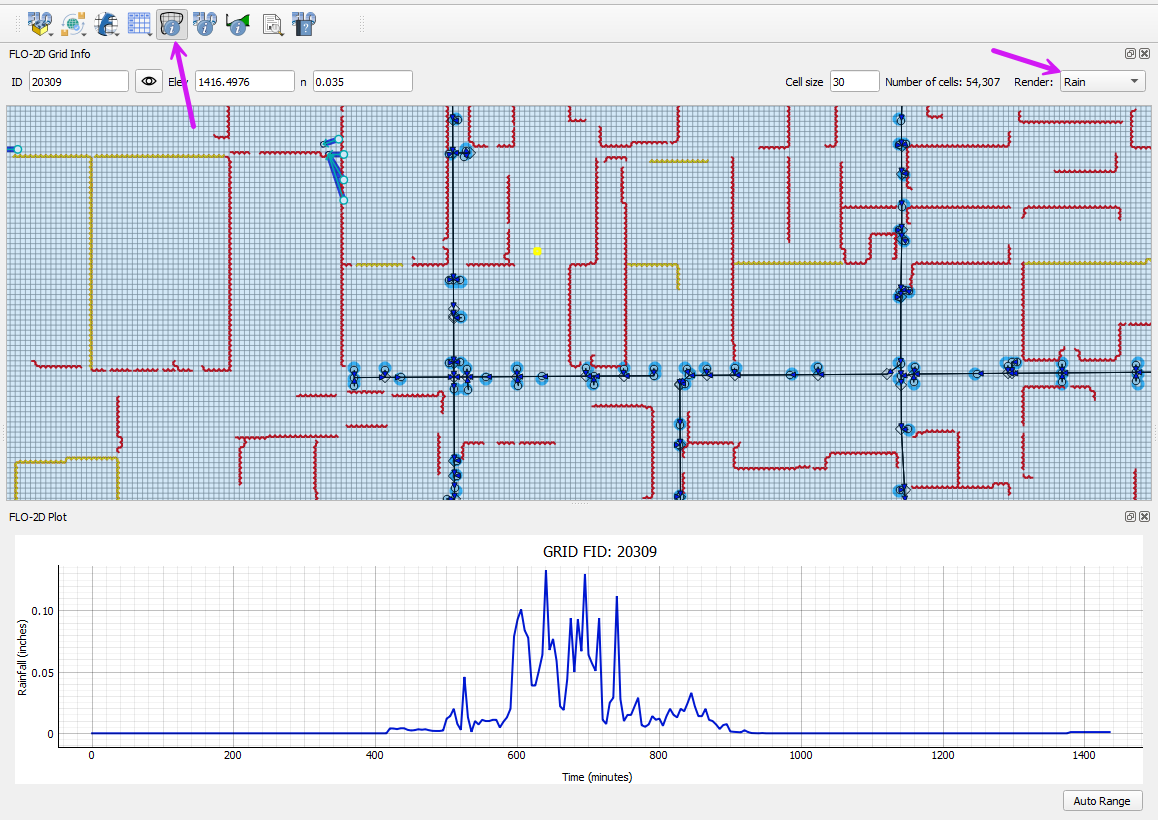
This tool loads the FLO-2D Grid Info panel.
Click the Grid Info Tool button.
The tool is a toggle. Click it on to use it and off to stop using it.

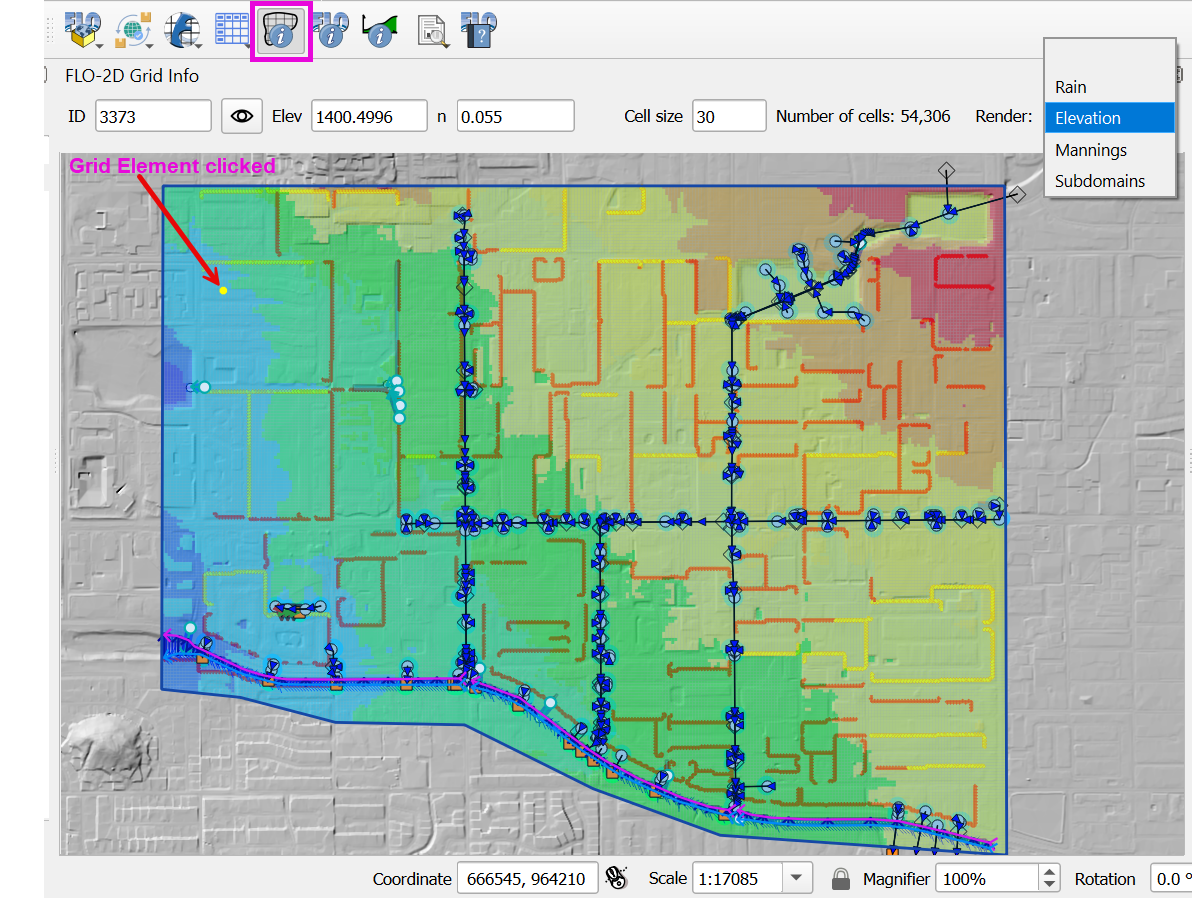
Click on any grid element to load the data into the Grid Info Panel.
Enter any grid element number and click the eye to load that grid element into the panel.
Check the Render Elevation checkbox to see the elevation of the grid.
If a project has spatially variable rainfall or Real Rainfall, it can be plotted on the plotting panel.
Note
The rainfall data is only available if the Real Rainfall processor has be performed. The Real Rainfall Processor instructions are available in the Rain Editor section.